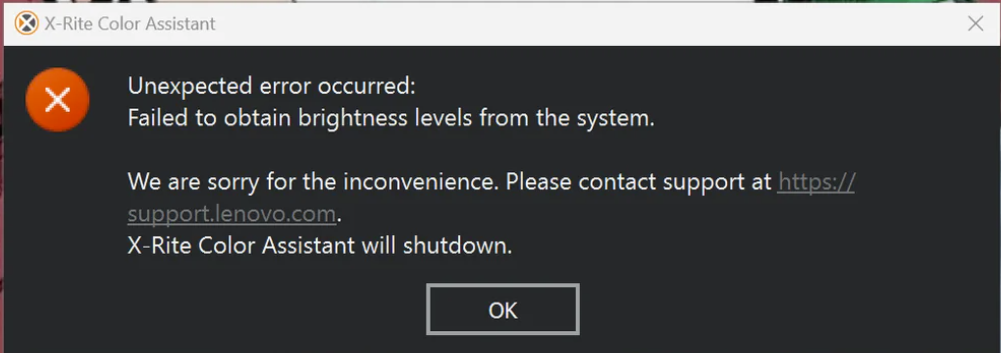
I’ve got a terrific new loaner unit from Lenovo, a P16 Gen 3 Mobile Workstation. I’m still learning my way around this powerful beast of a laptop, as I discovered this morning. After login, I couldn’t help but notice that the built-in X-Rite Color Assistant failed — namely it opened a dialog box that told me the app couldn’t run because of an “unexpected error.” Mildly disturbing, and not terribly informative. Indeed clearing X-rite error proves interesting, as I first try–and fail–to fix the app through a basic uninstall/reinstall maneuver. Then I notice something…
Why Clearing X-Rite Error Proves Interesting
While I was checking over the P16 Gen 3 for clues, I noticed that Lenovo Vantage had a new firmware update pending. “Hmmm,” I wondered: “Maybe a firmware update (and reset) will also make X-Rite happy?” I quickly installed same (and then waited for the usual update process to grind to completion, and the post-install reboot to finish).
Guess what? The firmware update did the trick! After the reboot, I was able to launch the X-Rite Color Assistant. And it turns out it’s a “background app” on that Lenovo model (which uses a software or virtual color control, because the unit lacks a built-in color sensor). So I had to go through the Notification area, and right-click on the app to get it to open.
Below, you can see the About info from the app itself. According to Copilot, the UEFI/firmware refresh helped to bring X-Rite back to life because it resets the basic runtime environment, including the GPU to system connection. Good to know!
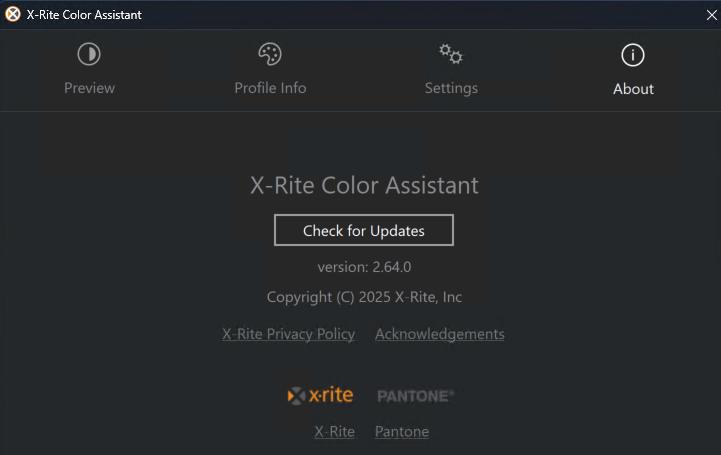
After a quick UEFI reset, X-Rite Color Assistant ran without error.
Here in Windows-World, the right ingredients for a happy and working laptop include the underlying firmware and drivers, as well as the OS and its software. Luckily for me, by fixing the lowest level stuff, the higher-level app came back to life. I’ll count this one as a win.

