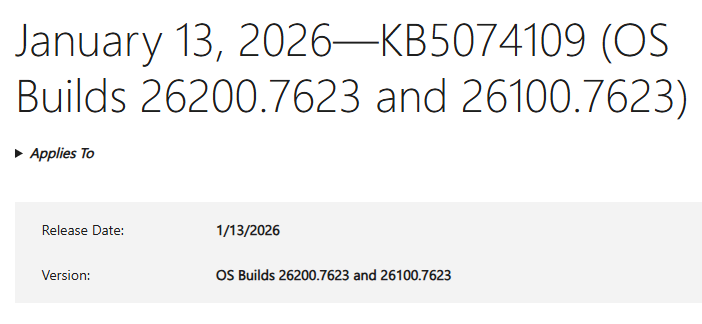
Yesterday was Patch Tuesday. This morning, I checked over the fleet to make sure all had gone well. With one exception — the Lenovo ThinkPad P16 Gen1 — it had. But the P16 showed me a restart behavior I’d never seen before. Indeed, I can only observe this machine experienced an odd restart following KB5074109. Let me explain what happened…
Delineating Odd Restart Following KB5074109
Some of this oddity is no doubt self-induced. I fired off the restart command in Windows Update through an RDP session. That closed the remote desktop session on the client. On the P16 host, the logged-in Windows session kept running. The desktop stayed visible, and the Start menu popped up in response to the usual cursor activity. But apps didn’t work, and I couldn’t open settings to fire off the restart command again. Even more interestingly, the power button in the Start menu didn’t work either. How to force a restart?
WinKey-X let me open an administrative Windows Terminal session. From there I used shutdown /r /f /t 0, where /r tells Windows to restart, /f summarily kills any open apps that might otherwise block restart (seemed like a good idea to me, given circumstances), and /t 0 tells shutdown to do its thing right away (in 0 seconds, that is).
That did the trick! The P16 transitioned into an “Updates underway” screen that let me know the pending updates were being applied. Then it restarted, finished the post-GUI update process, and took me to the desktop.
How do I know it worked? Edge popped up the now-customary post update browser window as the P16 finished booting to the desktop:
 Problem solved, I guess. I’m not sure what caused this strange behavior. I didn’t see this on any of my other updated PCs or VMs, But then I didn’t have RDP sessions open into them at the time, either. Just another niggling little mystery here in Windows-World. Just another normal day…

