If you read yesterday’s blog, you already know that I spent most of the weekend with my Flo6 desktop in UEFI, booting, or at the command line in WinRE/WinPE. On the other PC next to my desk chair, I keep a Lenovo P16 Gen1 Thinkpad. I was running Copilot on that PC, looking for insight into making Secure Boot work on the Flo6. Simply put, you can’t ask for help in Windows when that OS isn’t running. During that process I ended up in class for Copilot: driver’s education became quite a concern as I had difficulty scrolling down to read longish replies to my prompts and queries.
What Copilot Driver’s Education Is About
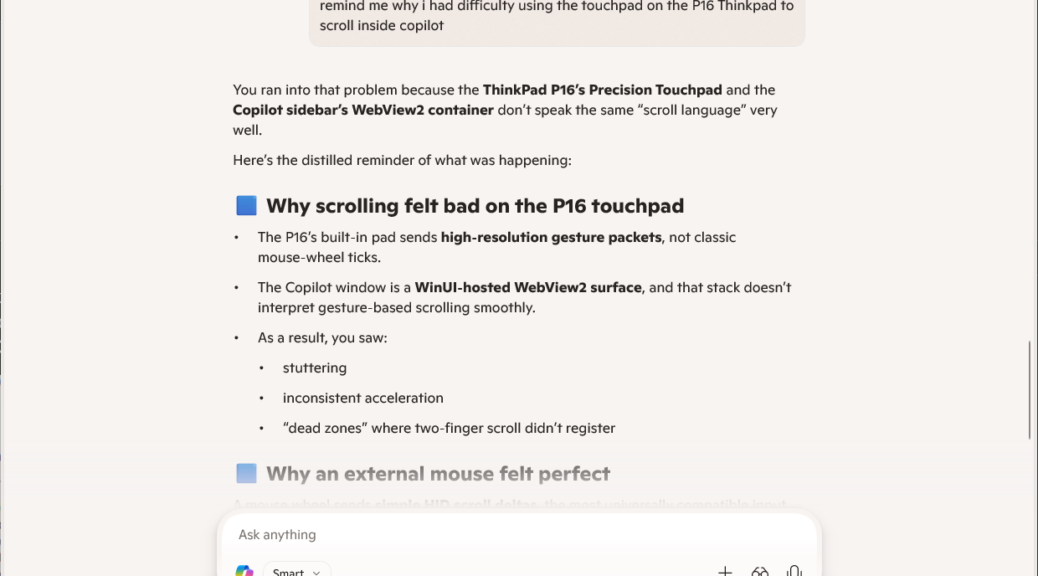
Turns out my scrolling attempts were misguided. I didn’t really understand how the touchpad on the P16 works. As you can see in the prompt window I’m using in this post for a lead-in graphic, the P16 touchpad is more oriented to gestures than to driving screen controls.
While I was working over the weekend, I simply popped in a wired mouse — complete with scroll wheel — and used that to speed scrolling while interrogating Copilot on the P16. After I had time to dig in a bit deeper, I learned that a two-finger gesture works for scrolling that touchpad quite nicely (two-finger sweep up to scroll down, down to scroll up — shades of Doc in the movie Cars).
Hah! I’ve been using Copilot since it first showed up over two years ago (June 2023) and didn’t know that this till this weekend. Probably because I still mostly drive with a mouse and not a touchpad. Now I know. Here in Windows-World, it’s the little things that sometimes make a big difference…

