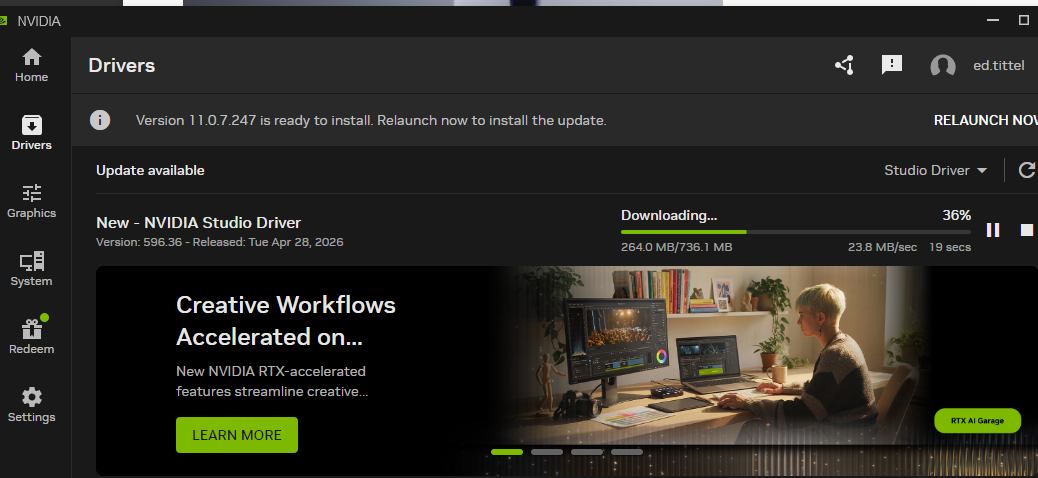
I’ve got to admit, I was misled this morning. After updating my NVIDIA Studio driver for the 3070Ti GPU, I noticed a strange “ripple” behavior around the on-screen cursor in Firefox. This occurred as I was scrolling inside today’s new posts and threads at ElevenForum.com. After reloading the graphics driver (WinKey+Shift+Ctrl+B), no change. So I asked Copilot: “Do I need to reboot?” “Nope,” it responded, “a Firefox update fixes weird cursor ripple” thanks to a fix for a DirectComposition code path error when using NVIDIA cards. It worked!
How Firefox Update Fixes Weird Cursor Ripple
A well-advised principle in troubleshooting relies on answering the question “What changed?” That’s what had me ready to blame the new NVIDIA driver as soon as Firefox got wonky. After taking advice from Copilot, I noticed further that the cursor ripple was indeed limited only to Firefox. It didn’t show up in Chrome or Edge, nor in other Windows apps. If it had been the GPU driver, all would have been affected.
Thus, I’m glad I thought to ask Copilot rather than start rebooting or rolling back the driver. Turns out the cause was obvious, indeed, but related to the specific program I was running as it interacted with the NVIDIA driver. Here in Windows-World, it’s wise not to overlook the obvious. But it’s also wise to cast a wider net, so as not to blame the obvious when something else could be — and in this particular case, was — at fault.
All’s well that ends well. I’m happily using my updated system. And Firefox — where I usually work to create this WordPress content — is working correctly now, too. Bonus: updating the browser is much faster than a driver rollback, and faster than a reboot. Good-oh!