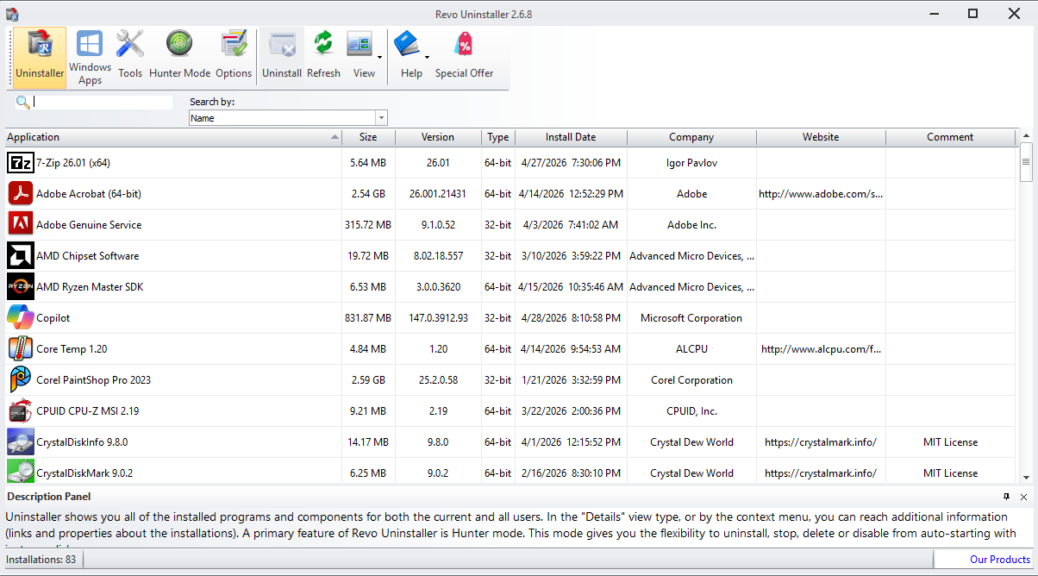
I’ve been meaning to do this for a while. But this morning, I found the fabled “round tuit” for an app clean-up on Flo6 using Revo Uninstaller. Using that tool, I reduced my count of installed apps from 95 to 83, eliminating an even dozen items. When I claim that “Revo roots out relics,” I’m claiming that the program helps stamp out no-longer-needed (or relevant) apps quickly and easily. Let me offer some details, and an explanation…
How Revo Roots Out Relics…
The intro screencap shows a partial list of all apps installed on Flo6. When I started this clean-up adventure, I was mostly beset with two sets of relics:
- Leftovers from the ASRock B550 Extreme4 motherboard, which I replaced with an MSI MAG Tomahawk B500 MAX in January (3/12)
- Leftovers from the Creative Sound Blaster AE-7 I installed earlier this month, but couldn’t get to working (5/12)
The other items were a hodge-podge of odds’n’ends including:
- AIDA64, yet another system information tool that I don’t even remember installing, and never use
- Angry IP Scanner: an alternative to Advanced IP Scanner that I tried a few times, before switching back to Advanced…
- CPU-ID: I don’t need the plain-vanilla one any more, because MSI provides a customized version for the MSI MAG Tomahawk
- CrystalDiskMark 8.4.0 still installed on Flo6, even though I’m running version 9.0.2. Removed it.
That’s it. Subsequent disk cleanup on Flo6 recovered 6 GB of disk space, too.
App Cleanups Should Happen Periodically
I consider this sort of review and removal part of a good Windows PC hygiene regime. Today was my day to clean up old apps. I’m glad I did. I’ll probably do it again at summer’s end, as I tend to pick up detritus like this over time. Here in Windows-World, if you don’t need it, or can’t use it, why keep it? Out it goes!

