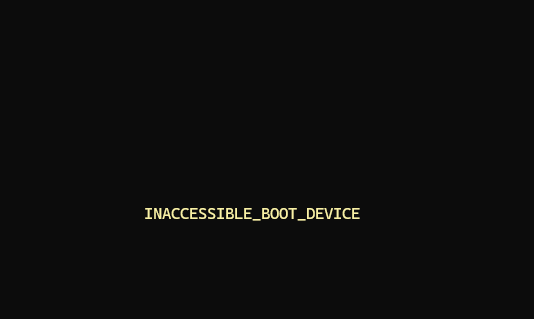
Right. So I’m in the process of covering my ARM PC assets to prevent further boot and BCD issues. One important tool in that coverage is backup/restore. Alas, I’m learning that most such toolsets — including all of the free ones I try to use by preference — don’t work (or work well) with ARM PCs. Yesterday, in fact, I got caught in another ARM boot boondoggle. Indeed, it produced the dread STOP error message “INACCESSIBLE_BOOT_DEVICE” (0X0000007B). Let me explain…
Recovering from Another ARM Boot Boondoggle
Here’s the deal: most of the free backup/restore toolsets — including AIOMEI Backupper, EaseUS ToDo, Paragon Backup and Recovery Free, Cobian Backup and so forth — don’t work (or work well) with ARM-based PCs. What caused the boot error yesterday was EaseUs ToDo, which injects additional drivers into the Windows boot process. Not only does that not work on ARM PCs, but the program offers no warnings, nor informs users that proceeding with install results in an unusable system.
“Good thing I’ve got the Lenovo USB Recovery Key,” I thought to myself. At least I knew how to dig myself out of this mess. As far as I can tell, only the Hasleo Backup Suite Free and Macrium Reflect X (free trial, but pay for real use) offer backup/restore and rescue media capabilities that work on ARM-based PCs. Go figure!
One Reflect X License Left…
I just checked my Macrium Reflect account, and I’ve got one X license left. Right now, I have two ARM laptops here at Chez Tittel. I think I’ll give Hasleo a try on the Lenovo ThinkPad T14s. Shoot! I know from repeated use that the Lenovo USB Recovery Key will bail me out of any trouble I might get myself into.
Stay tuned: I’ll let you know how this adventure continues. It’s started to get interesting. And I mean more interesting than I’d hoped or expected. Sigh.

