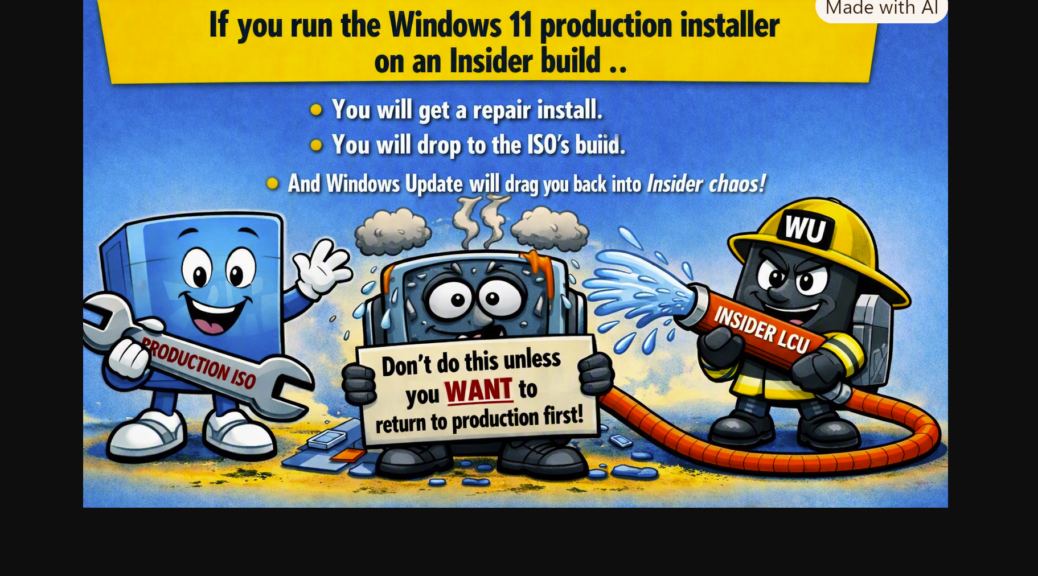
Last Tuesday I incorrectly claimed that the Windows 11 installer upgrades Insider Previews. As I have now figured out, with some useful input from Copilot, it actually repairs those images. Had I actually tried to “upgrade” them, it would have failed. But I now know that the installer repairs the target image it’s run against. That’s the basis for my corrected assertion — namely, that the Windows 11 installer repairs Windows images. Let me explain.
Explaining Installer Repairs Windows Images
Simply by updating the Installer using Winget, it launches that app. When I allowed to proceed further, it was on me to halt things or let them proceed. Windows Setup (which runs inside the Installer, from a downloaded ISO) checks the following data:
- Windows edition (Pro, for both X380 and X12)
- Major version (Windows 11)
- Feature Update family (26H2)
Indeed, Setup.exe permits a repair install to go ahead even if one or more of the following conditions is true
- The installed build is newer (false)
- The installed build is Insider (true)
- The ISO build is older (false)
- The ISO build is production (true)
- The device remains enrolled in the Insider program (true)
Copilot’s summation “Setup does not block this build because a repair install is not considered a downgrade” (emphasis mine).
NOW I Get It…Finally!
I didn’t understand that Setup.exe could cross the Insider/Production boundary. It can, as I’ve now demonstrated to myself on two former test PCs. I’m going to promote two newer machines — RyzenOfc and AsusSnap to Insider versions — and leave these older machines on production builds. To that end, I’ve toggled the “Unenroll” switch on each of them.
Call this a lesson learned for yours truly. It’s not a mistake I will repeat. I tried it out to see what would happen. Now I understand how and why to steer myself around this pothole. And in a cack-handed fashion, it’s another way to pull a PC back from Insider status without a clean install. I’m still deciding if I like it or not: stay tuned, and I’ll tell you after I live with it for a whiile…

