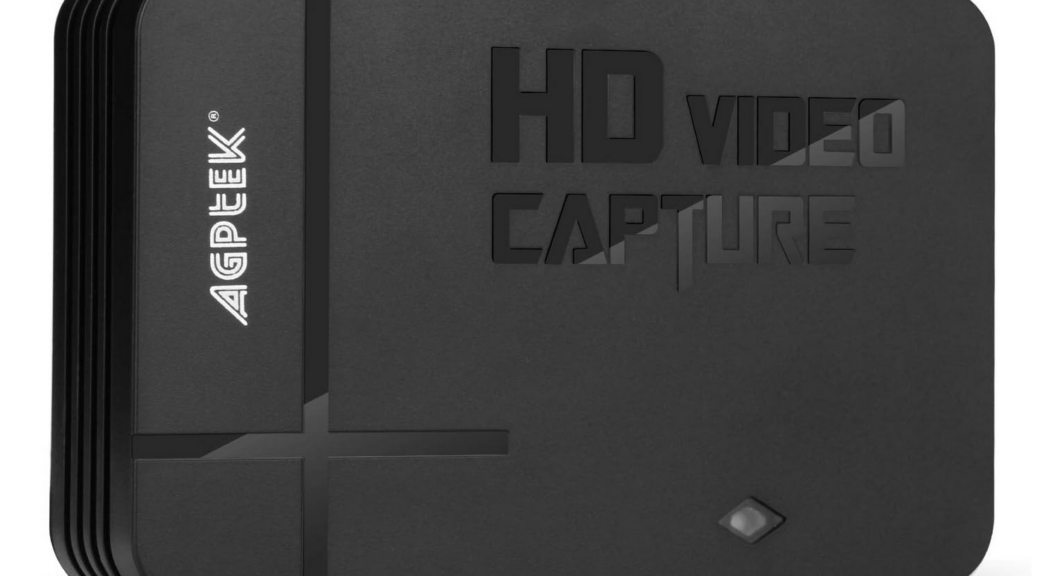
I guess it figures. If you examine yesterday’s blog post carefully, you’ll see it includes an obvious iPhone shot of a Windows boot screen. I’d hoped to replace it with a real screencap. Instead, I learned something interesting: my AGPTEK HD Video Capture device works fine with Windows OS running; not so with WinRE/WinPE at the helm. That’s because WinRE ignores inactive HDMI output ports thanks to its slimmed-down minimal graphics. Let me explain…
Why Say: WinRE Ignores Inactive HDMI Output
Simply put, if the runtime environment doesn’t require HDMI graphics, WinRE doesn’t use them. Given that the ASUS Zen14 has a perfectly good built-in display, with its own video channel, WinRE doesn’t feed any signals to the external HDMI port when it’s running.
My AGPTEK HD Video Capture box will cheerfully record any signals sent its way, once its “Record” button is pushed. It writes output to a UFD, from whence it may be copied and edited. I could have used it to capture a frame from said video showing the boot screens I wanted, but the box couldn’t grab them.
What WOULD Work?
It turns out I need an active frame-grabbing device not a passive, pass-through capture device if I want to grab WinRE and other WinPE-based screens through the HDMI port on the A14. Most of them cost between US$240 and 450, whereas the AGPTEK cost me US$65. Here in Windows-World, once must make sure to pay for what one needs. Otherwise, when one gets what one has paid for, it may not suffice to meet them! Live and learn, I always say…so obviously, I’ve learned that I need to buy another box!

