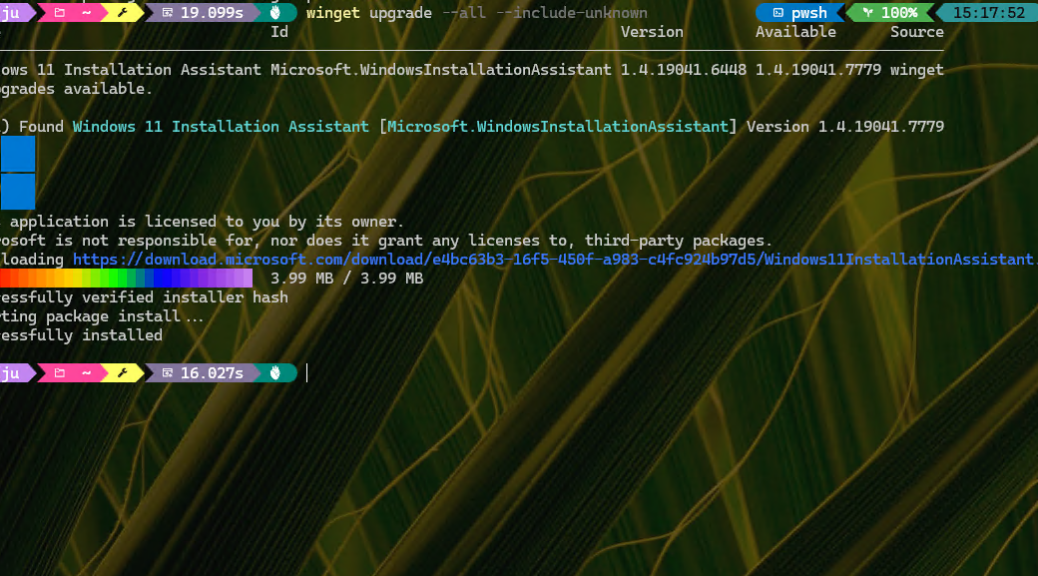
On the still-working 2018 vintage Lenovo ThinkPad Yoga X380, WinGet delivered a new Windows 11 Installation Assistant this weekend. “Hmmmm,” I wondered to myself, “does this version incorporate the latest release?” It doesn’t really say in the update info shown in the lead-in graphic. But yes, this updated Installation Assistant covers 26H2. I’ll show you visual proof.
QED: Updated Installation Assistant Covers 26H2
And indeed, WinGet itself provides the proof. Notice the ID for this tool is “Microsoft.WindowsInstallationAssistant.” By happy chance, using that string with WinGet show includes “26H2” in its “Release Notes” field, to wit:
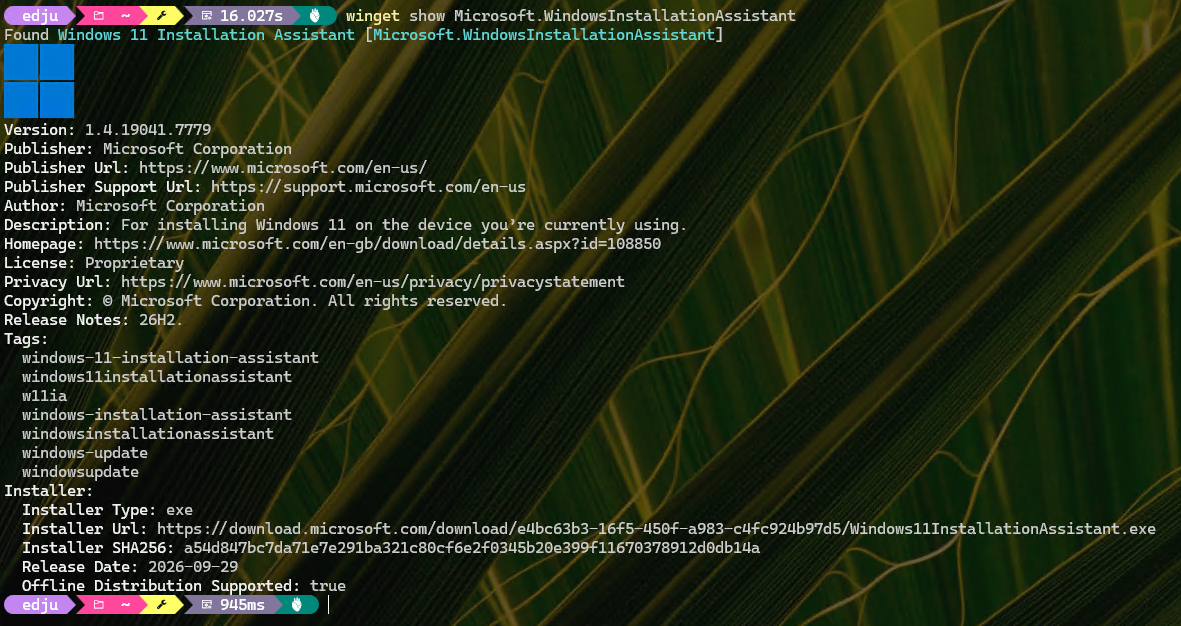
Release Notes identifies the installer as 26H2. {Click image for full-size view]
Copilot Leads Me In Another Direction
Officially, the Installation Assistant isn’t compatible with Insider Builds. And, as fate would have it, the X380 was running a 25H2 Beta build. Interestingly, the Installation Assistant runs: it downloads and installs 26H2 (and hangs forever at the 46% complete mark. but completes OK).
At first, Copilot says it doesn’t work “Assistant refuses all Insider builds.” But for both Beta and Insider Preview builds (26220.xxxx branches), it ran on both my X380 and on my Lenovo ThinkPad X12 Hybrid Tablet Gen 1. But first, I had to run PC Health Check even though both PCs were already running Windows 11. But in continuing along the install path after that detour, Installation Assistant showed me a new way to work around the typical bar on upgrading Insider builds using Production Windows images.
I’ll blog again tomorrow, and explain what happened on each machine, and where I wound up. It’s a surprising turn of events — to me, at least — here in Windows-world. Normally, this bar holds hard and fast. But the latest 26H2 installer may be an exception. Stay tuned: should be fun!

