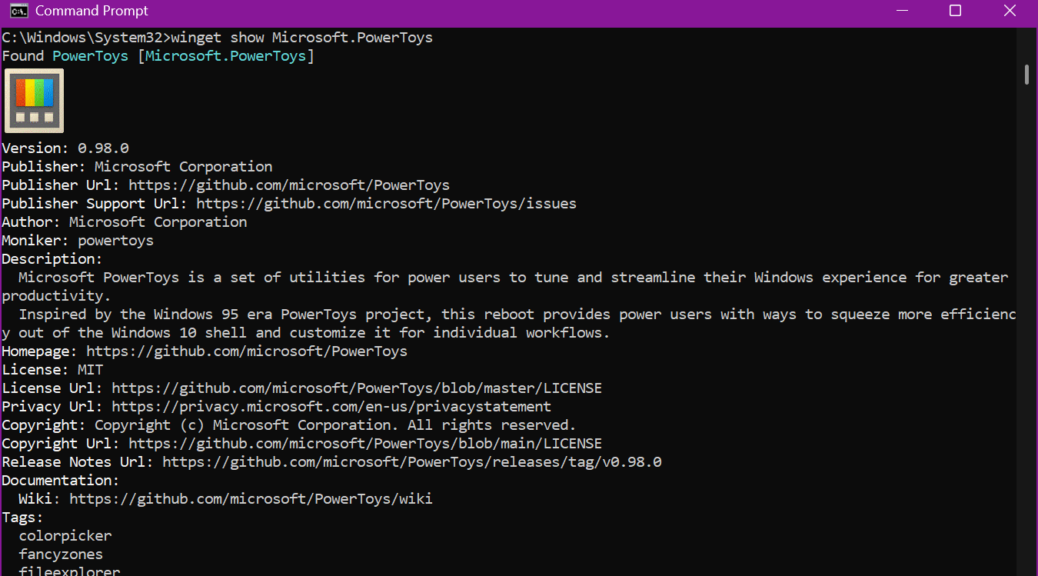
I just spent a couple of frustrating but informative hours trying to get icons to show up with WinGet on the latest Canary build (29558.1000). What started out as a minor visual quirk turned into a deep dive into the innards for App Installer, feature flags, and system-level packages. I’ll provide a step-by-step list of what I did, what I learned, and what others running Canary builds should know. At this point I’m still asking “Dude, where’s my icons?” for WinGet output. But I now know I won’t see them any time soon. I’ll explain…
Steps in Resolving “Dude, Where’s My Icons?”
The first step was to verify the WinGet version and its capabilities. Running winget –info revealed I was on version 1.29.50-preview. Notably, that output lacked usual capability lines including VT Support or Rich Output. That was my first clue that something wasn’t quite right.
Next, I visited the Microsoft Store. I navigated directly to the App Installer product page using the canonical link. The Store offered an Install button. When I clicked same, I expected it to overwrite the preview build with the stable version. After installation, the Store indeed reported the app as Installed. It lied!
I then closed all terminal sessions and opened a fresh CMD tab to recheck winget –info. Unfortunately, the version remained 1.29.50-preview. Worse still, the missing icon issue persisted. To investigate further, I ran PowerShell as Administrator and executed Get-AppxPackage Microsoft.DesktopAppInstaller -AllUsers. The output showed only one package: version 1.29.50.0, marked as NonRemovable. Was I stuck?
Yes, I Was Stuck…
The crux of the matter rests on how Canary builds handle App Installer. On these builds, the preview version of App Installer is baked into the OS image. Indeed, it’s registered as a system-level package. Because it is marked NonRemovable, neither the Microsoft Store nor PowerShell can uninstall or override it. That explains why even though the Store shows the stable App Installer as Installed, Windows continues to use the preview version.
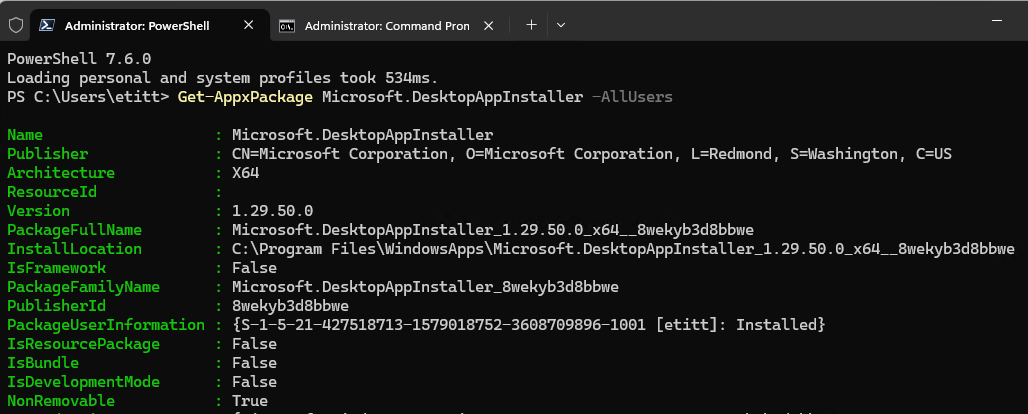
Yep, sez right at bottom: NonRemovable: True
This locked-in preview build lacks support for feature flags like Visual Icons and Rich Output. Alas, their lack also explains the missing icon column in WinGet output. No attempts at reinstalling, resetting, or tweaking settings.json can override this limitation. Stuck indeed.
Note: the lead-in graphic for this story comes from the Build 29558.1000 announcement blog. I can see that damnable delectable icon there in the posting, but I’ll be darned if I can make it show up on my Canary install. Go figure!

