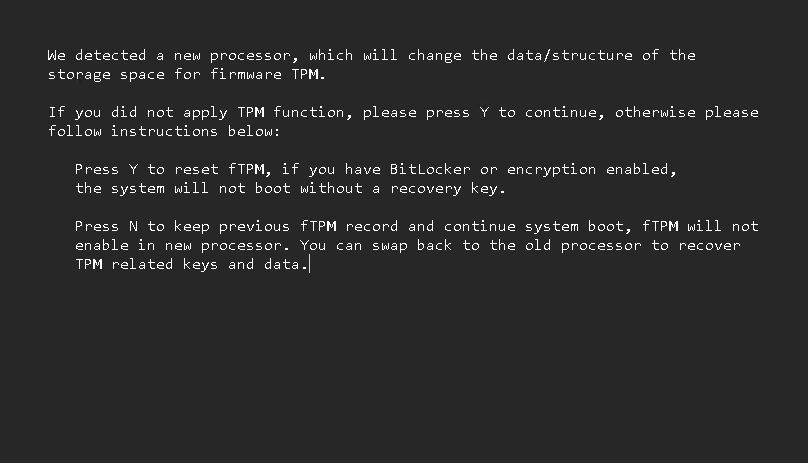
I mounted a full-throttle attempt to fix my “new CPU detected” boot warning, and lost a day to wandering in the wilderness. You’ve seen this screenshot before, in my February 27 post. I saw it a LOT more yesterday through at least 15 cold boots, plus various changes. Indeed getting stuck inside boot alert kills whole day, as I try to put my flaky startup situation right.
Why Stuck Inside Boot Alert Kills Whole Day
I’ll admit it: it was my own damn fault. I had to turn TPM off to attempt the warning breakout, but mistakenly also turned Secure Boot off as well. Big mistake. I’m *STILL* trying to recover from the latter, though I’ve managed to fix the former.
Along the way what wasted hour after hour was the impact of trying to boot in a half-open, half-closed Secure Boot environment. I kept getting stuck at Post Code 00 (nothing happened), Post Code 22 (graphics won’t initialize). I had to pop the CMOS battery out twice yesterday to reset the runtime to recognize all the hardware. Once I even had to disconnect all USB, network, and display peripherals.
A Trying Day Here at Chez Tittel
Chasing my tail is not always my idea of fun. Chasing the same trail of gotchas and glitches I’ve chased at least twice before is downright discouraging. But today, the machine booted (with the alert warning shown) and I’m up and running. I’m going to try one more time to get into UEFI, turn on Secure Boot (my only remaining hurdle to seal things back up) and see what happens.
Wish me luck. I’m going to need it. Here in Windows-World, there may not be enough time to do it right, but there’s always plenty of time to do things over and over … and over again until we get them fixed. Stay tuned: I’ll keep you posted.

