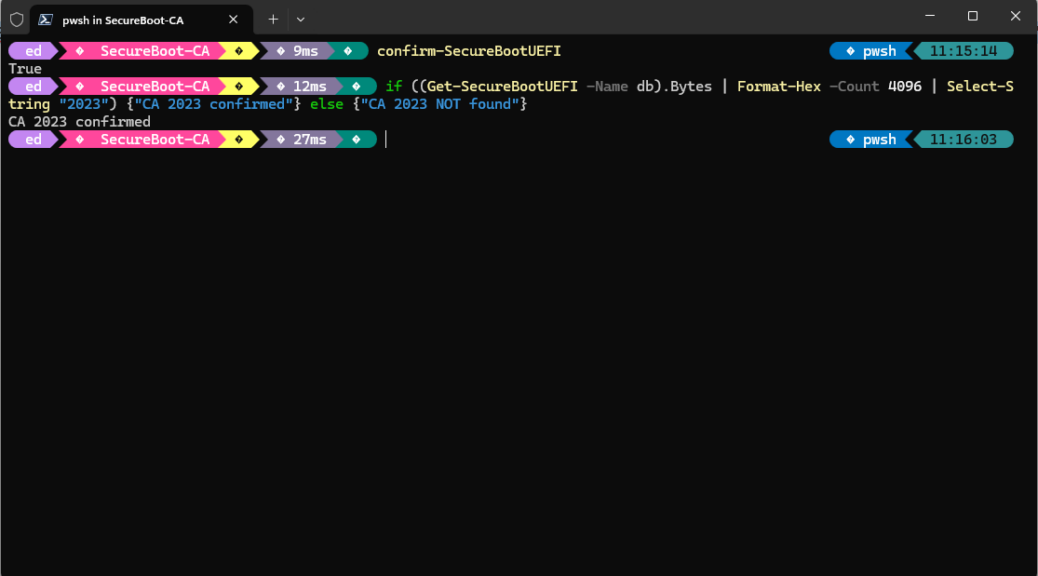
Here at Chez Tittel, I’ve been on something of a Secure Boot tear lately. Late last week, it dawned on me that this might require a change in recovery media, too. I checked: it does. Indeed, MS spells out the notion that secure boot recovery means new media in a couple of MS Learn Documents:
- Secure boot
- Signing with the new 2023 Microsoft UEFI certificates: what submitters need to know (MS Tech Community, MSA req’d)
Basically, this boils down to the following data points, all of which determine whether or not recovery media will work properly after enabling Secure Boot:
- Recovery media must use MS-signed UEFI bootloaders
- Bootloaders signed with a certificate trusted in db
- Bootloaders signed with the old 2011 CA blocked in dbx
- Updated WinRE images (incl. new recovery media) signed with the 2023 CA
What Secure Boot Recovery Means New Media Comes Down to…
Simply put: once a PC has secure boot enabled and reports the presence of CA 2023, it needs matching secure boot media for recovery and repair. Older media won’t work because it lacks the new CA 2023 certificate. Bootloaders will fail, and/or WinRE won’t run. This will provoke a “Secure Boot violation” error or “invalid certificate” message in the bootloader. Sounds bad, eh?
The fix is easy, as long as you’ve turned Secure Boot on, and have installed the CA 2023 certificate (Garlin’s scripts at ElevenForum do this job nicely). With all these pieces in place, your current runtime meets the afore-stated requirements. Then, you can use Windows built in “Create a recovery drive” feature to build new recovery media to match this new state. Done!
Here in Windows-World when things change the supporting infrastructure must change to follow suit. Today that means generating fresh, new recovery media to match Flo6’s “secure boot on, CA 2023 installed” state. Takes only a few minutes, but means that future recovery efforts are far more likely to succeed. Good-oh!


I was able to update one bootable USB drive by doing the following (where E: is the drive letter for the UFD)…
copy C:\Windows\Boot\EFI_EX\bootmgfw_EX.efi E:\EFI\boot\bootx64.efi
However, some bootable USB drives will need to be rebuilt, since the EFI partition may be read-only.