When I got the news yesterday that the latest 10.8 version of OS X, aka “Mountain Lion,” was available, I jumped on the opportunity to download and install the new OS upgrade for a mere $19.99 at the Apple Store. I’m not sure if it was heavy demand for the approximately 4 GB download file, or online Internet traffic related to the Olympics (the US women’s soccer team played a very strong French team, and managed to beat them 4-2), but it took nearly two hours for me to download the file. I’ve downloaded similarly-sized .ISO files from MSDN many times before, and it has seldom taken more than 45 minutes to an hour for those downloads to complete.
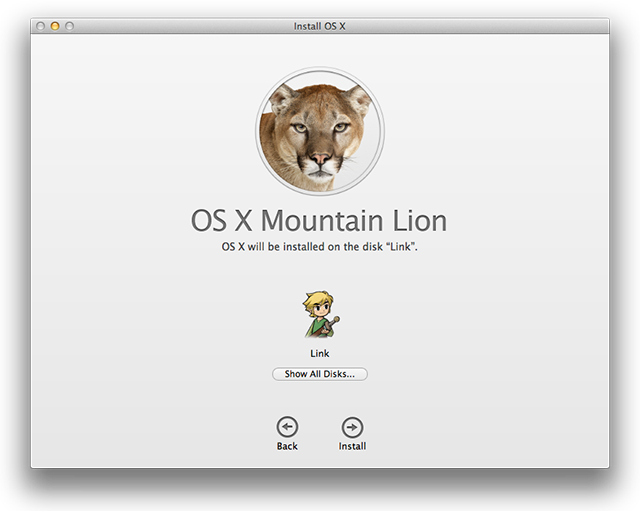
Screen cap from Ars Technica review
But once I got the file downloaded, the install was a breeze. I fired off the download package, and it took me through the rest of the process in about an hour (half an hour or so to unpack the files and prep the machine for the actual OS install, and another half-hour to perform the installation). So far, the handiest tip I’ve seen in using the slightly altered UI is to place two fingers next to each other near the right edge of the touchpad: this calls up a “fat scrollbar” at the right-hand side of a scrolling window and makes scrolling very easy. Other than that, I haven’t yet noticed too many other dramatic changes except that iCloud is better integrated. In fact, I’ve gone ahead and sprung for a big enough storage subscription to cover all of my iDevices–iPod, iPad, and two iPhones–under a single iCloud account now.
I’ve read other reports online that have recommended against the upgrade, and mentioned that older MacBook Airs run more sluggishly on Lion and Mountain Lion than they did on Leopard. I have a 2010-vintage 13″ model with a 2.13 GHz Intel Dual-Core CPU, 4 GB (2x2GB) DDR3-1067, and the same Nvidia GeForce 320M that’s in my HP dv6t Quad Core notebook, which Apple seemingly uses to better effect than HP does. I haven’t really noticed anything like this, but perhaps that’s because I bought the unit used from an Apple employee who had already installed Lion on this machine. At any rate, it’s somewhat faster than my older dual core notebooks, and not too much slower than my quad-core notebooks, so I have nothing to complain about.
For more information on the latest OS X version, I heartily recommend John Siracusa’s mammoth and detailed review for Ars Technica, which digs very deeply into what’s new with and how best to tweak settings and configuration data. There’s also a nice article on the Ars Technica site entitled “How to create a bootable, backup Mountain Lion install disk” on a USB flash drive or optical disk. Warning: you’ll need to do this BEFORE you install the new OS, because the last bit of that process cleans up the file you need to manipulate to create the backup install image (wish I’d read the article before pulling the trigger on my install, in fact…sigh).

